Product design
Artsony
A global home where artists share, sell and get paid for their work, and collectors buy original art directly from them.
- Role
- Product designer
- Year
- 2025–present
- Platforms
- Desktop and mobile web
- Tools
- Figma
01
Overview
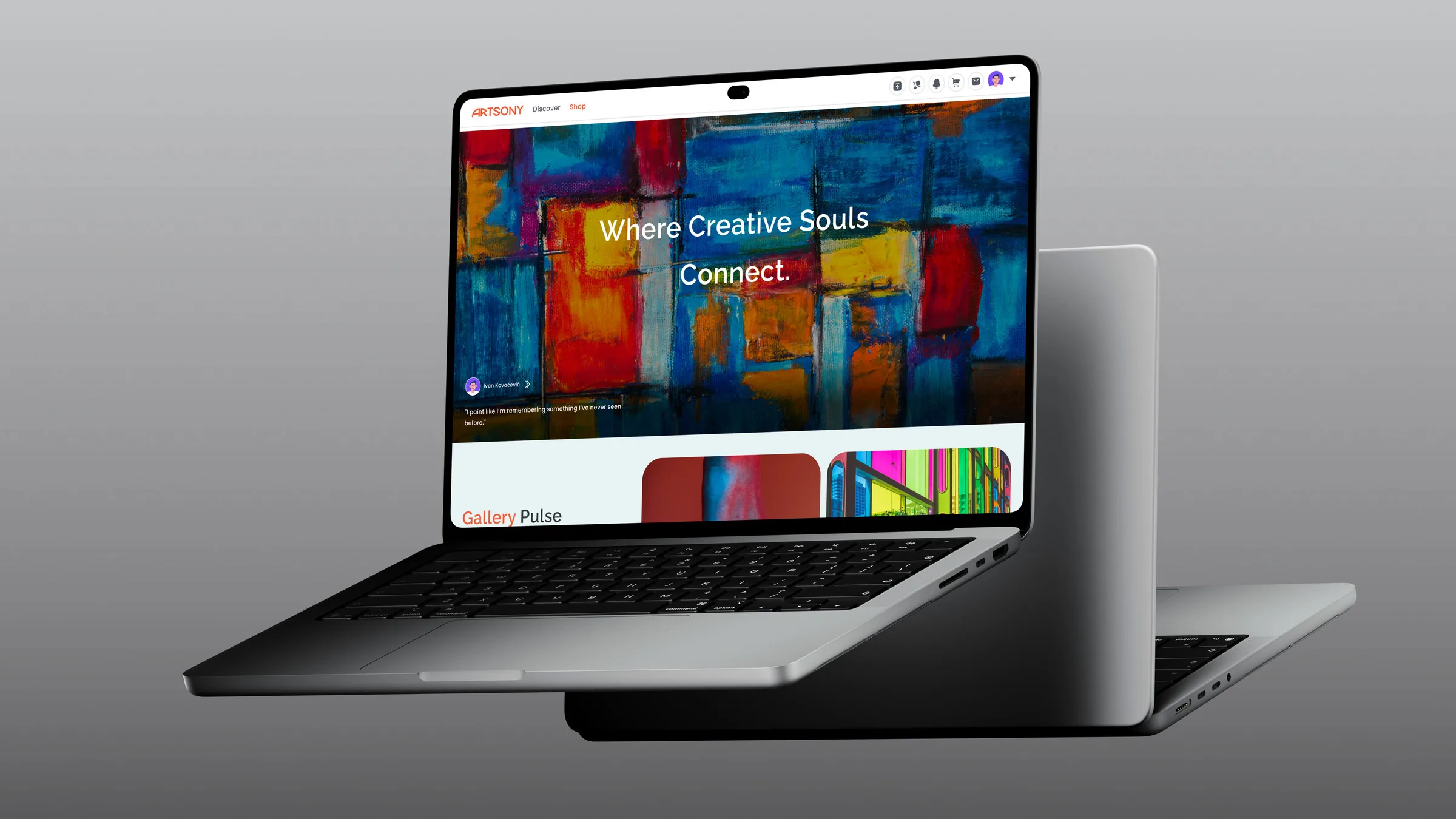
Artsony is a social marketplace for visual art. Artists post their work, build a following and sell physical pieces or digital files to buyers in more than 170 countries, while collectors discover, save and buy original art in the same place. I designed the whole product: the feed and shop, artist profiles, selling and checkout, order management, payouts and the design system underneath it all.
02
The problem
Independent artists run their careers across four disconnected tools: a social app for their audience, a portfolio site, a separate store and a payment service. Each takes a cut, none talk to each other, and international buyers hit currency and payment barriers before they can pay.
Collectors have the opposite problem. Buying directly from an artist abroad feels risky, prices come in the wrong currency, and there is no guarantee the work will arrive as promised.
Your art was never the problem. The infrastructure around it was.The idea Artsony is built on
03
Process
Designing for two sides
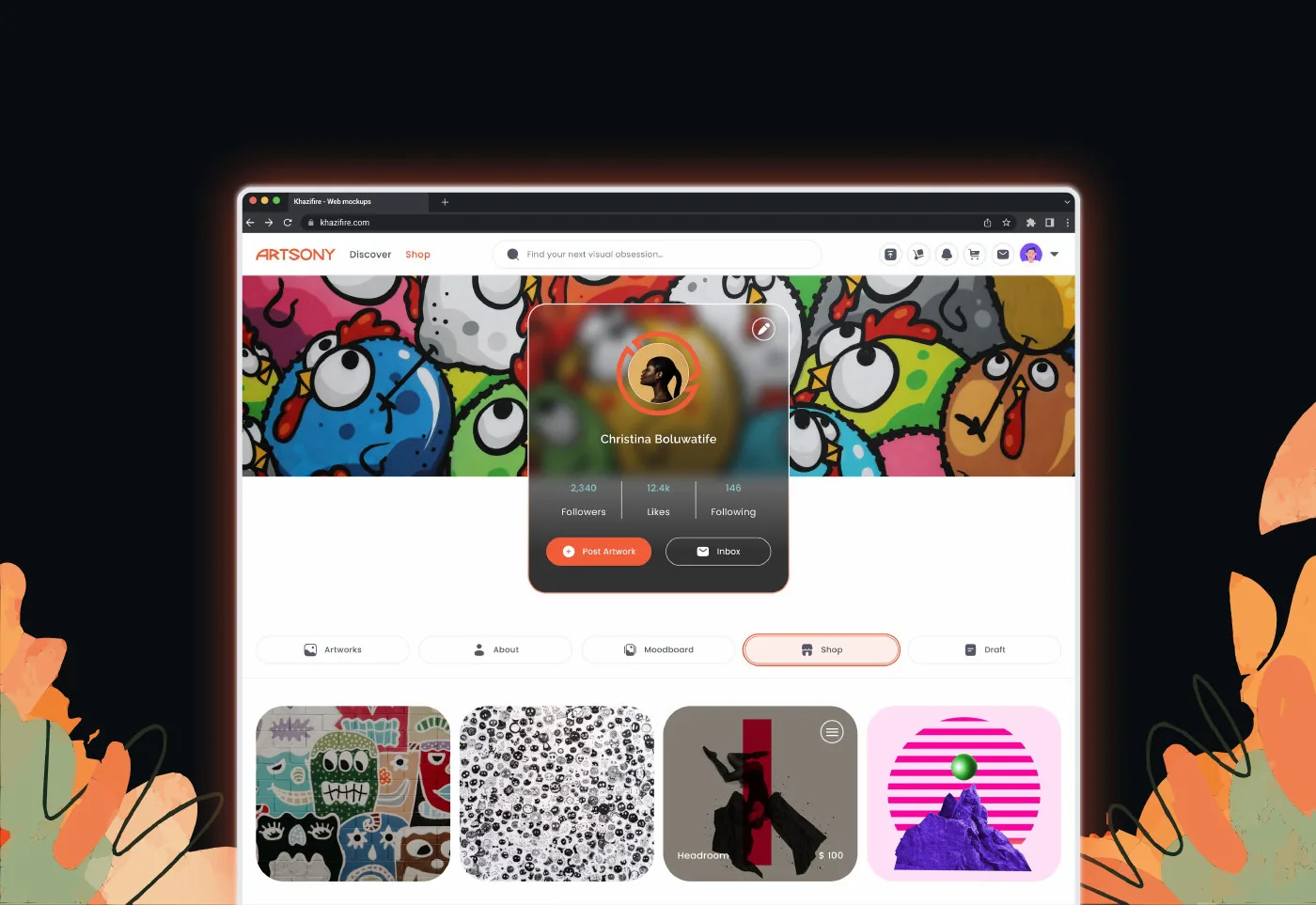
I defined the two people the platform serves: the artist, whose art is their business, and the collector, anyone who buys, from first-timer to seasoned patron. Every flow had to work for both.
Desktop and mobile, side by side
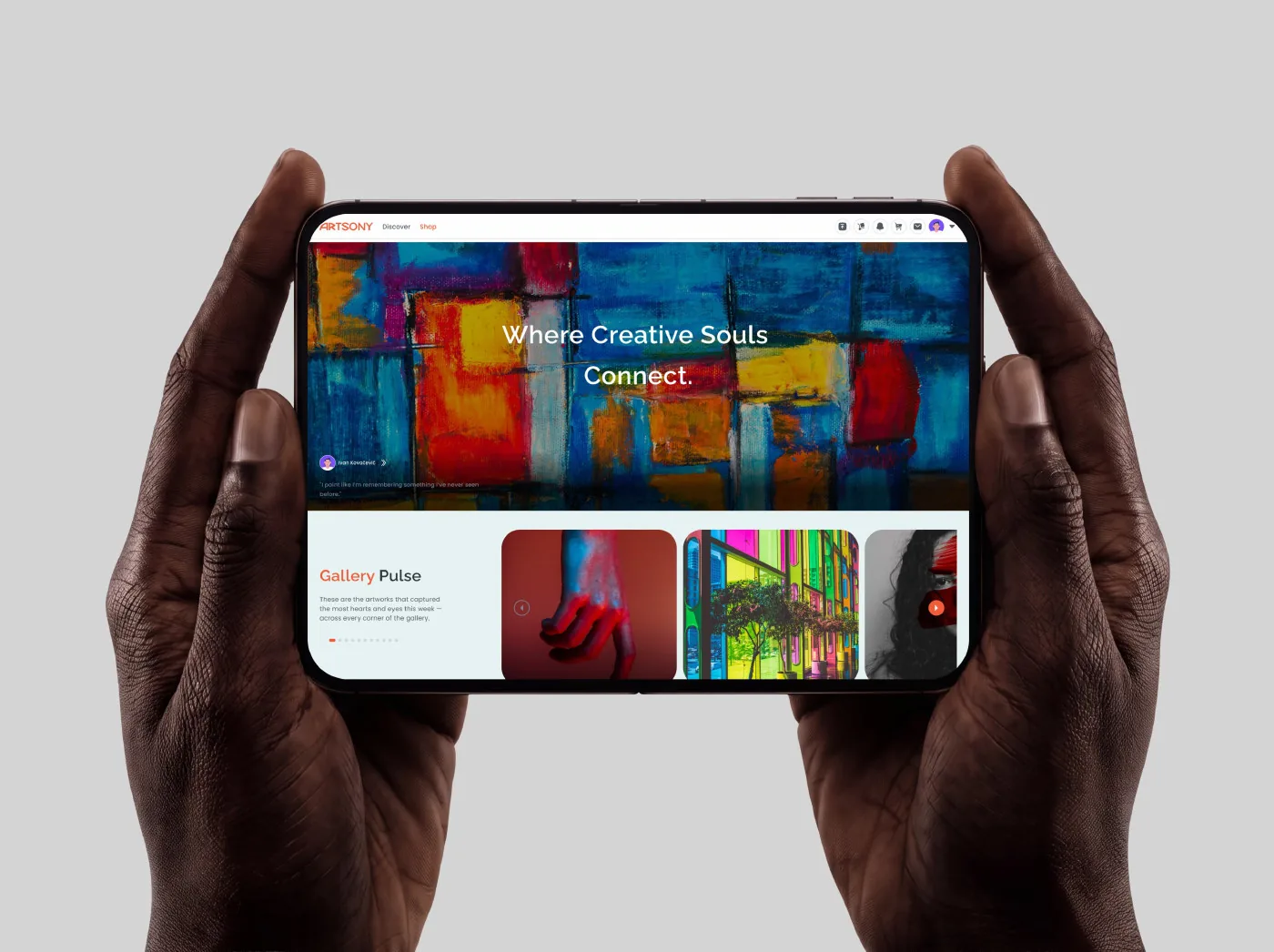
Every flow was designed for desktop and mobile web together, 106 desktop and 117 mobile screens, so artists can manage a sale from their phone as easily as from a laptop.
One system for 220+ screens
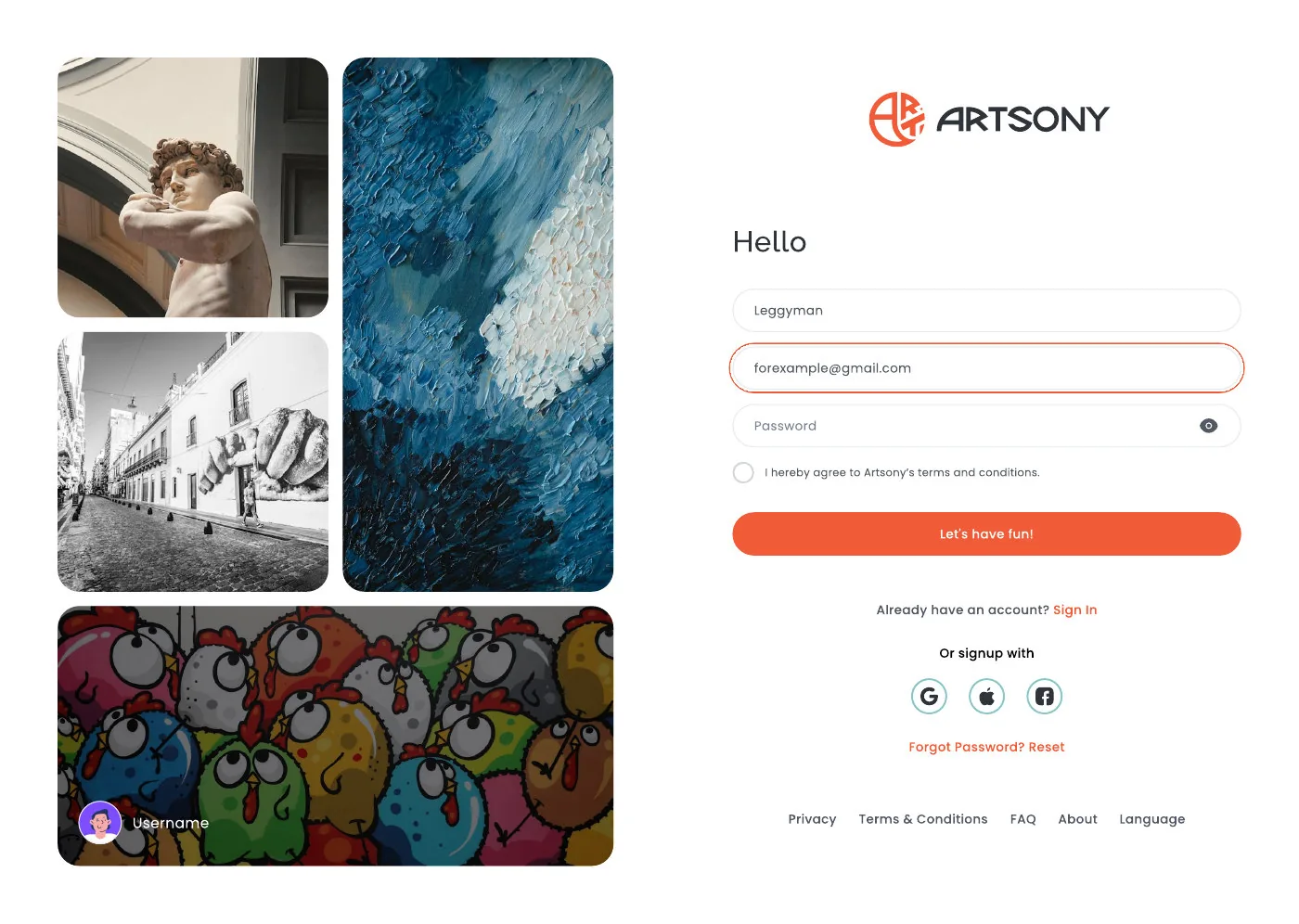
Raleway and Poppins, a full colour ramp with state colours, 284 variables and 85 component sets, so desktop and mobile web stay consistent across every flow.
Mapping every path to a sale
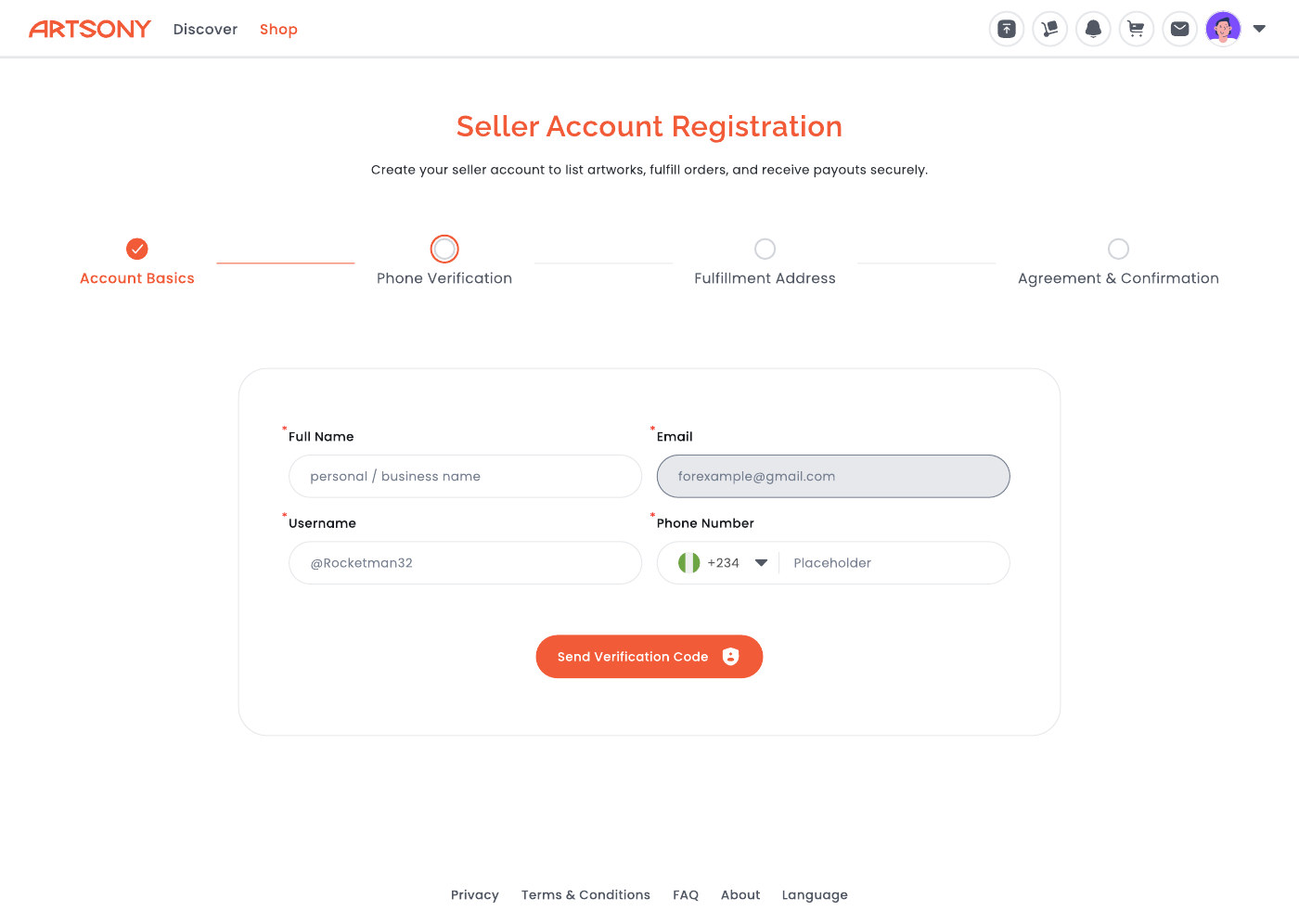
Posting, selling physical and digital work, seller registration with phone verification, checkout, order tracking and payouts were each mapped end to end, including empty, failed and cancelled states.
04
Structure
Artsony serves two people with very different goals, so I mapped it as two journeys rather than one sitemap. The creator goes from posting to getting paid; the collector goes from discovering to owning. The two meet in the middle, on the artwork itself.
From first post to money in the bank.
From discovering art to owning it.
05
Design system
Artsony runs on a token system in three tiers, so a colour is chosen once and every screen follows. Raw brand colours feed named roles like Primary and Error, and those feed the semantic tokens the screens actually use, such as Surface / Action or Text / Heading.
Brand
Raw colour ramps from 50 to 900: Crimson, Cyan, Grey and the state colours.
Colour / Crimson / 500Alias
Named roles that point at brand colours: Primary, Secondary, Grey, Information, Error, Warning, Successful.
Primary / 500Assigned
Semantic tokens the screens use: text, surface, border and icon colours for every state.
Surface / ActionResponsive
Type sizes, line heights and spacing that change between desktop and mobile.
Heading / H1RalewayHeadings, H1 to H6, from 64 down to 20px, in Light, Regular, Medium and Semi-bold.
PoppinsBody text, XL to XXS, from 20 down to 10px, in Light, Regular, Medium and Semi-bold.
Layout grids
- Columns
- 12
- Column
- 100px
- Gutter
- 16px
- Margin
- 32px
- Columns
- 5
- Column
- 62px
- Gutter
- 8px
- Margin
- 16px
Components
06
Wireframes
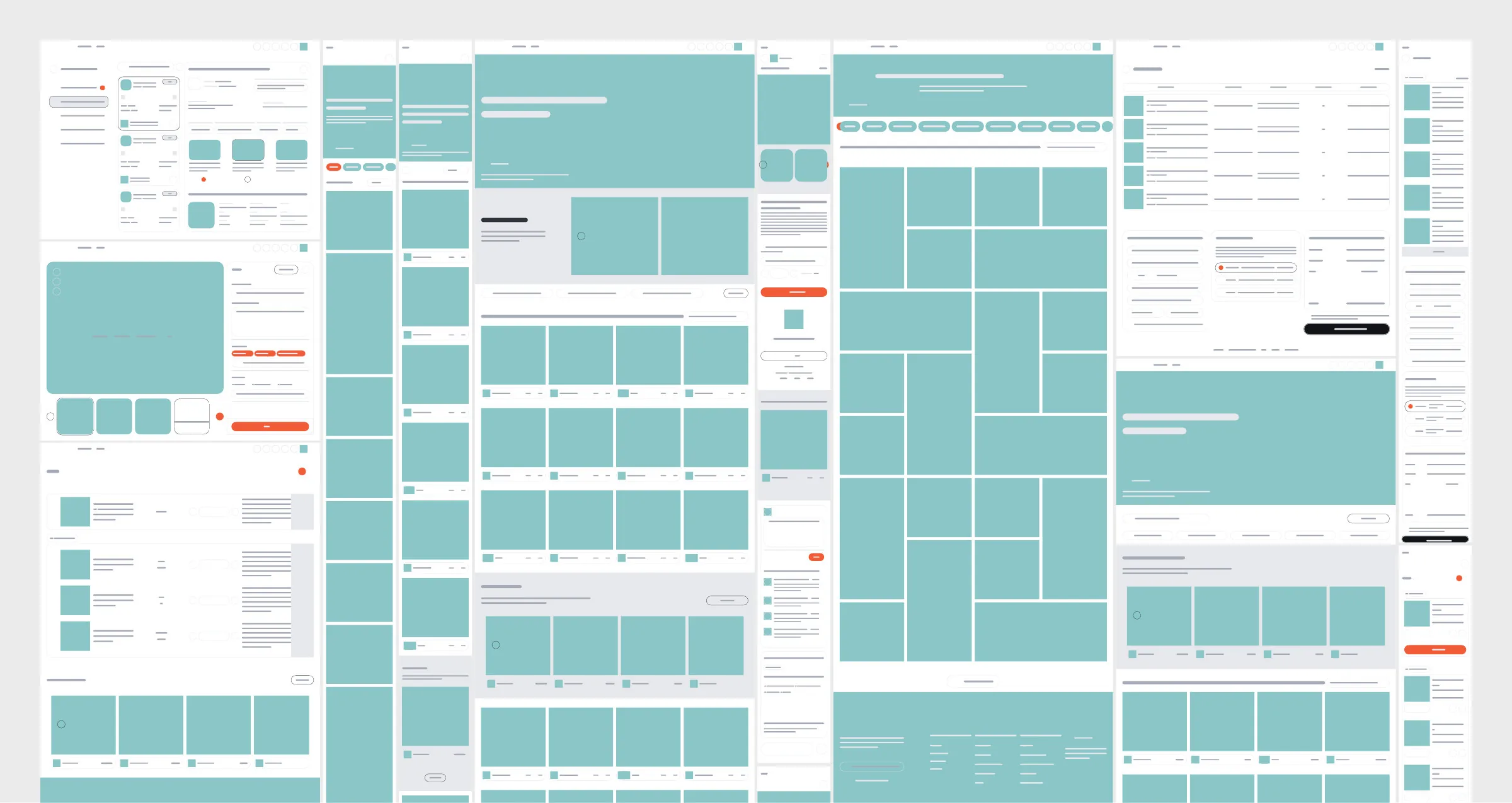
Before any visual design, the key screens were laid out as wireframes on both desktop and mobile, so the layout of the feed, the artwork view, checkout and the artist tools could be tested on structure alone.
07
The homepage
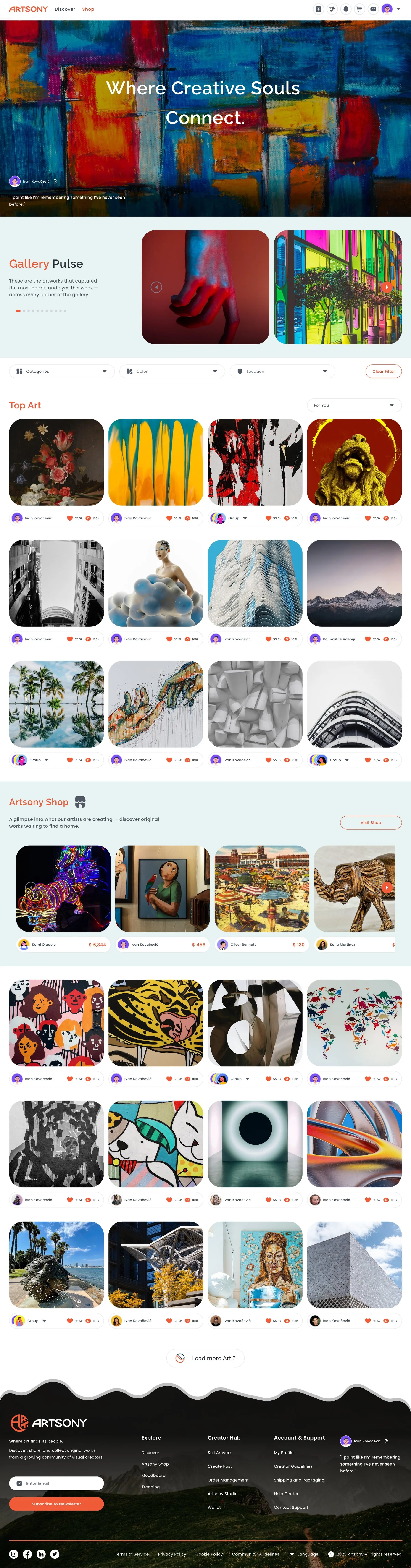
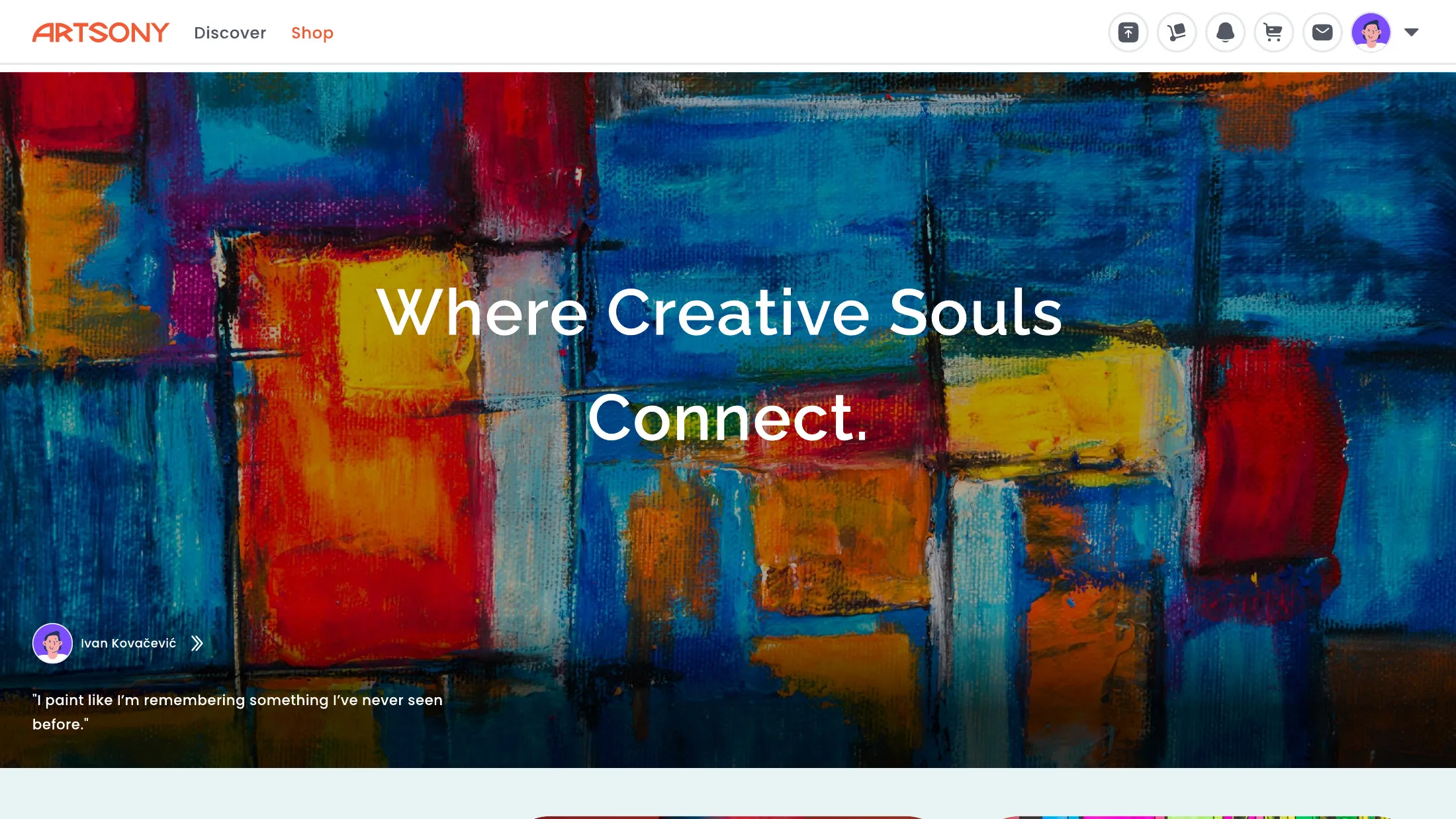
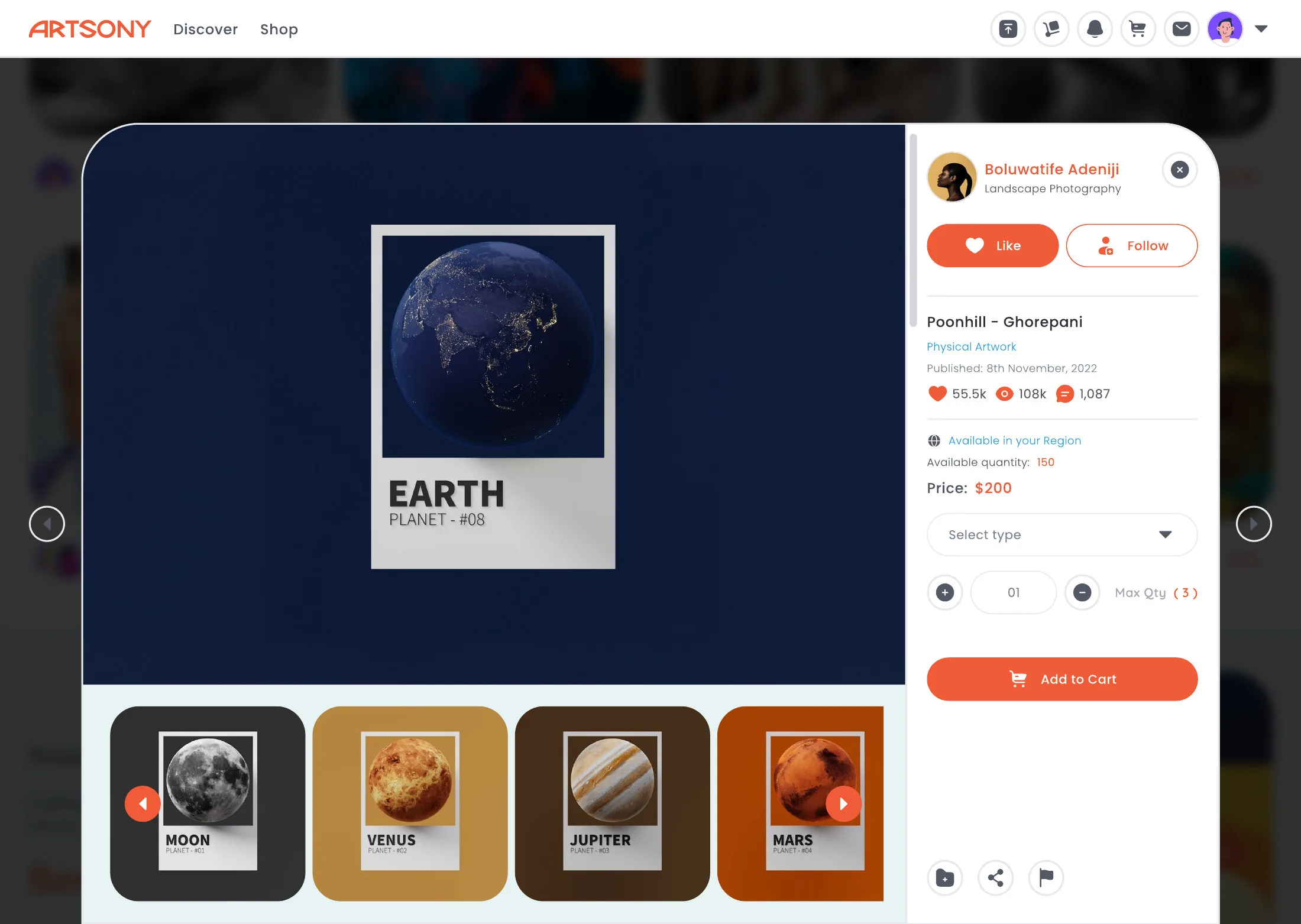
The home page is where both sides of Artsony meet: the feed, Gallery Pulse and Top Art for collectors, and the Artsony Shop for artists selling their work. Scroll to see it from top to bottom.
Top to bottom
08
Key decisions
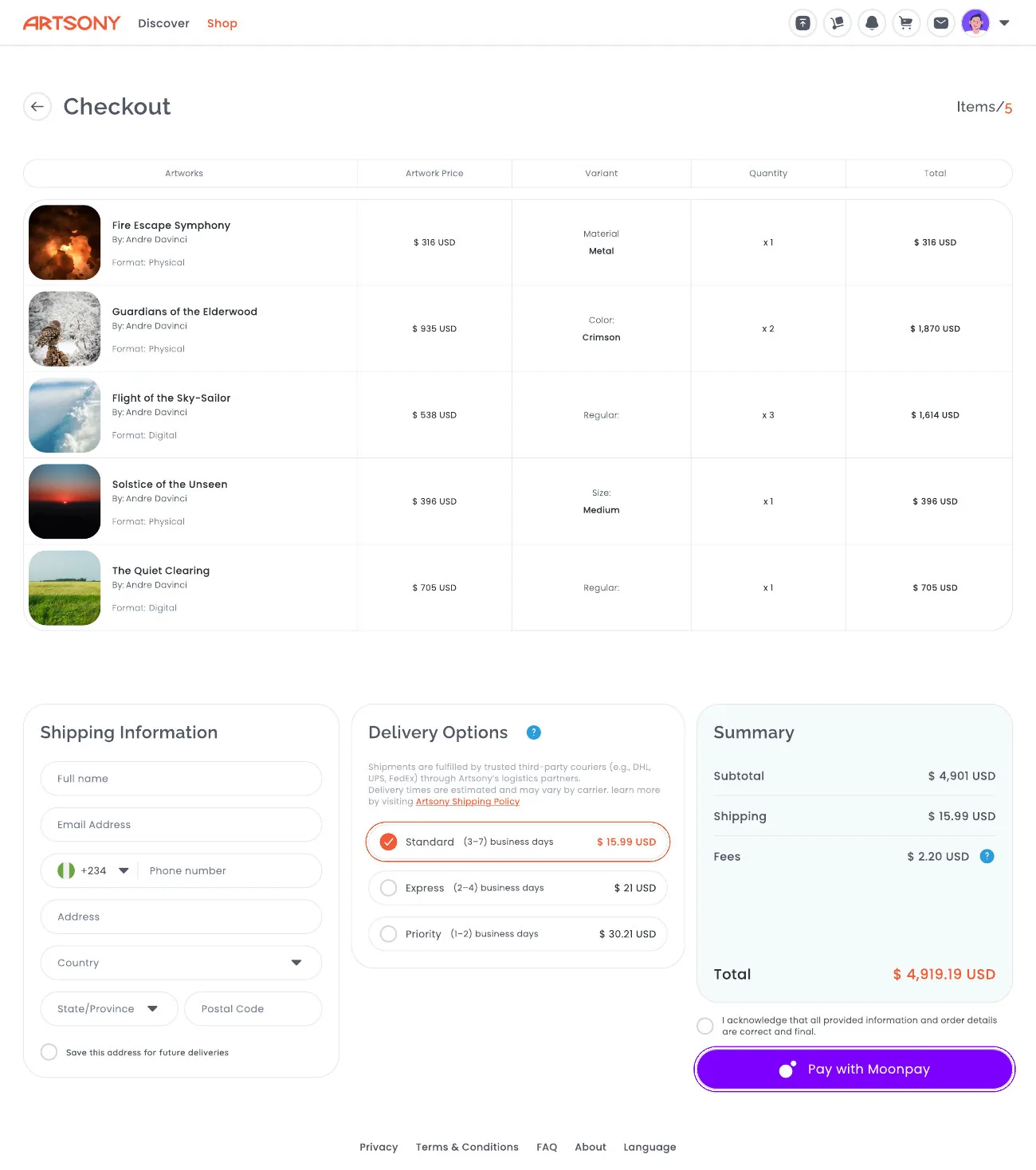
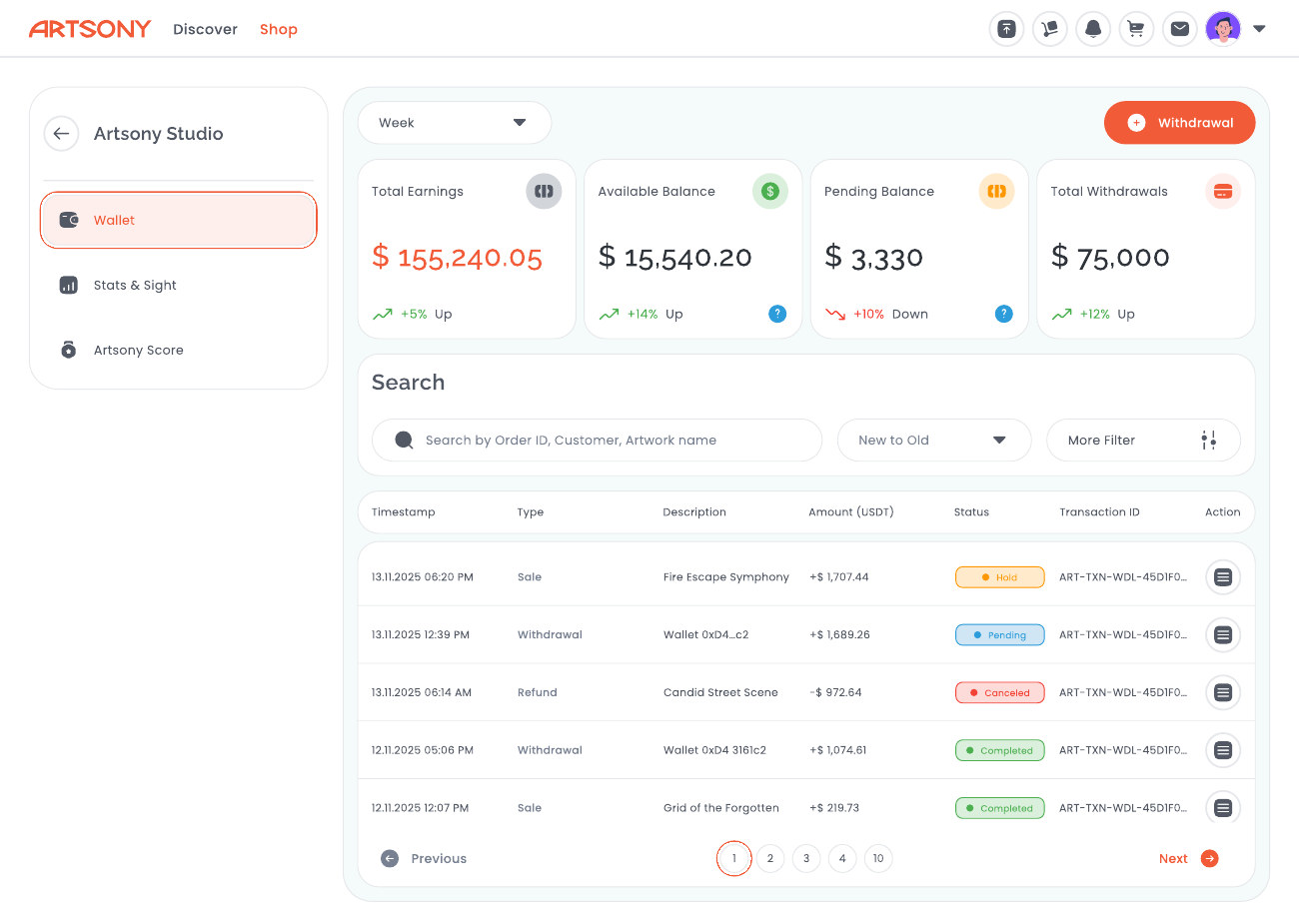
Every payment held in escrow
The buyer pays up front, Artsony holds the money, and it is released to the artist once the order is delivered.
Why: artists are guaranteed payment before they ship, and buyers know their money only moves when they are satisfied. Trust is what makes buying from a stranger abroad possible.
Sell globally, get paid locally
Buyers pay in their own currency by card or bank, and artists withdraw to their own bank account in theirs.
Why: payment barriers were the main reason international sales never happened. Removing them on both ends opens 170+ countries to every artist.
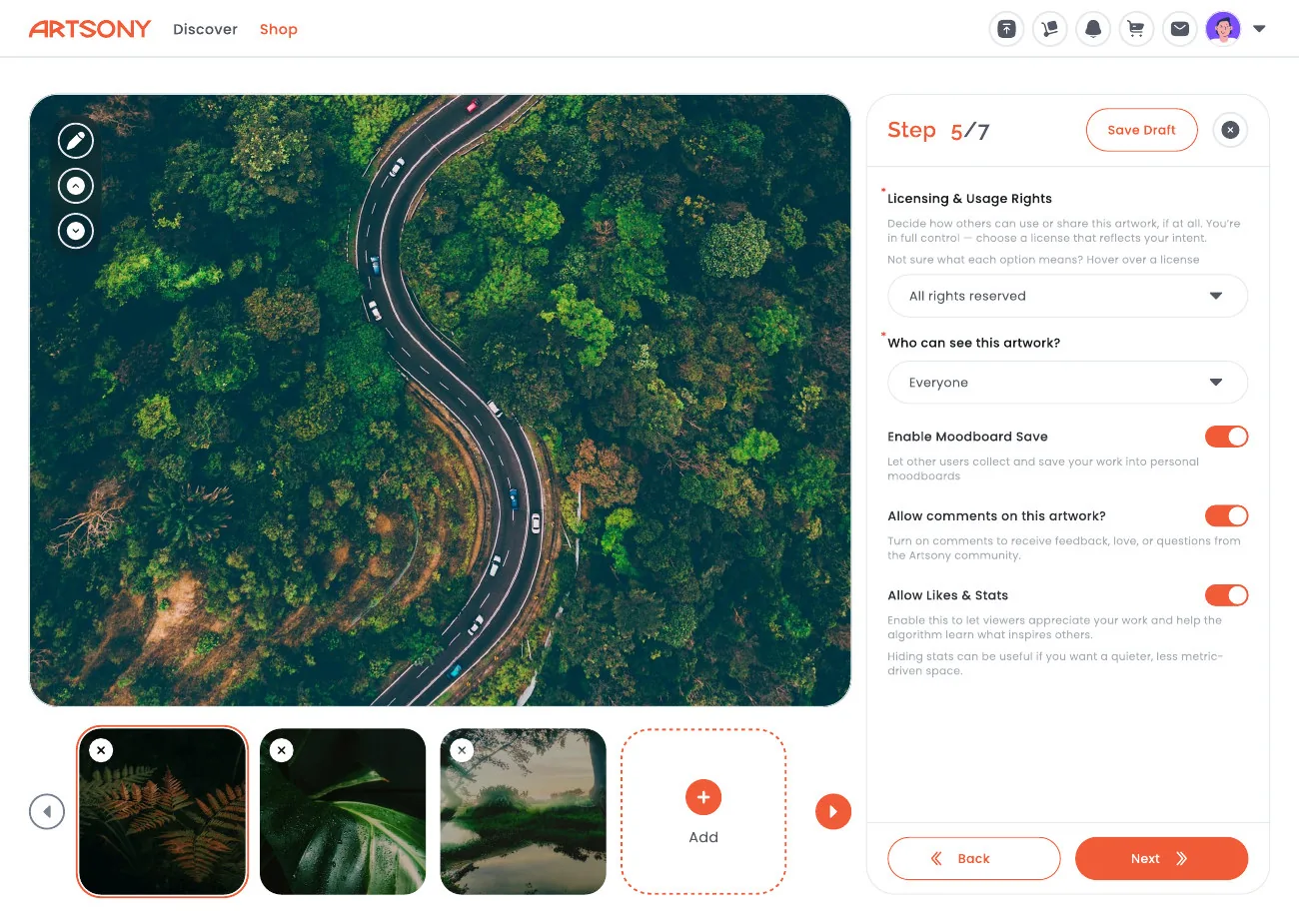
Artists set their own licensing
Digital work can be sold with personal, commercial, extended or exclusive rights, chosen by the artist for each piece.
Why: a digital artwork can earn more than once. Licensing lets artists price usage instead of giving up their work for a single flat fee.
09
The solution
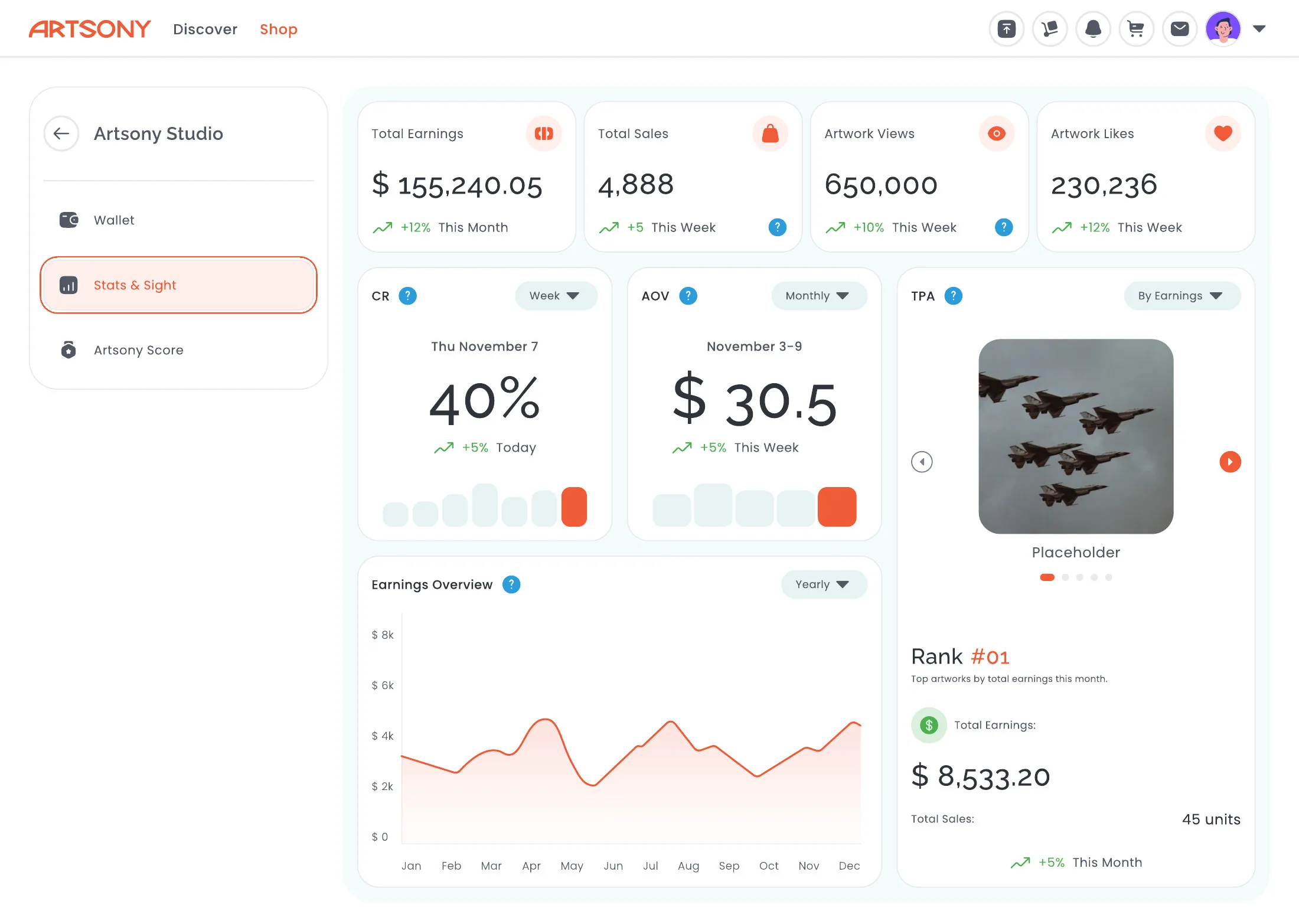
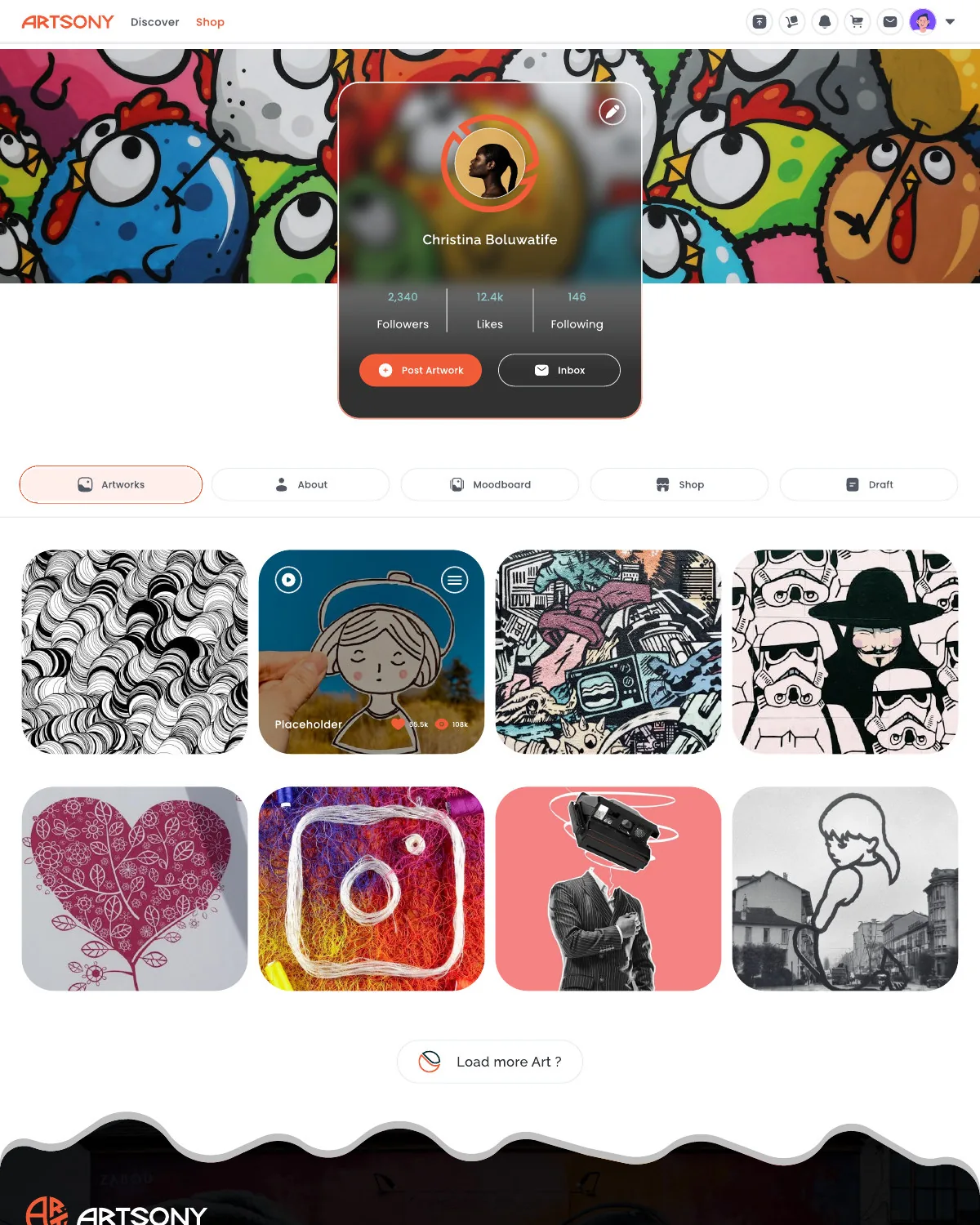
10
Mobile
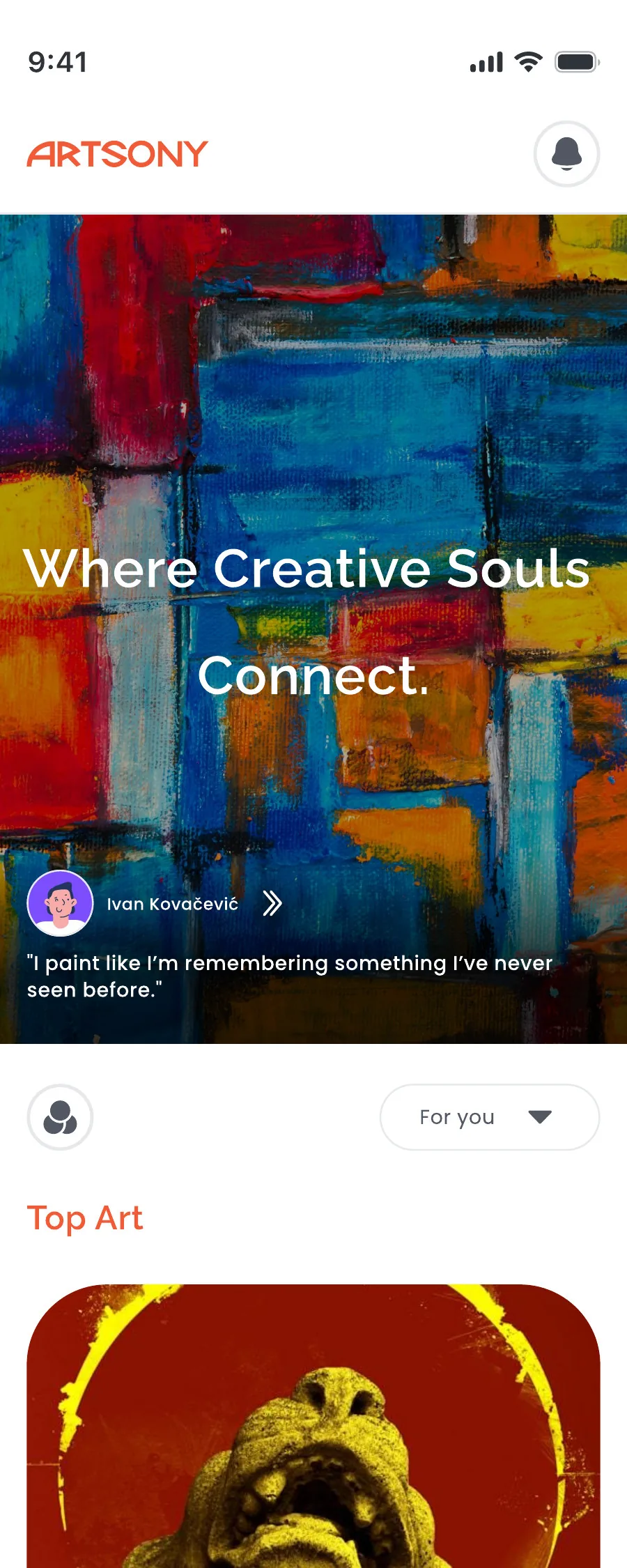
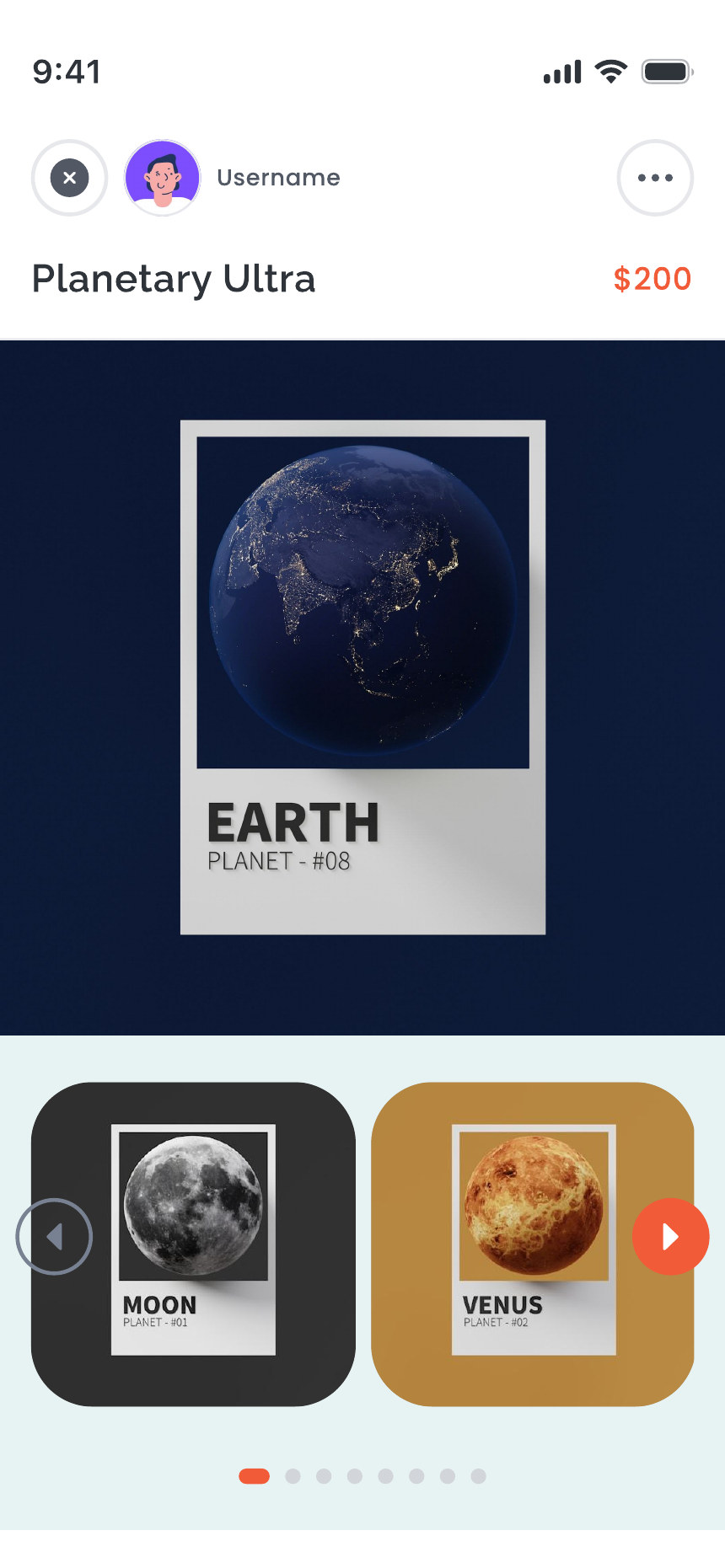
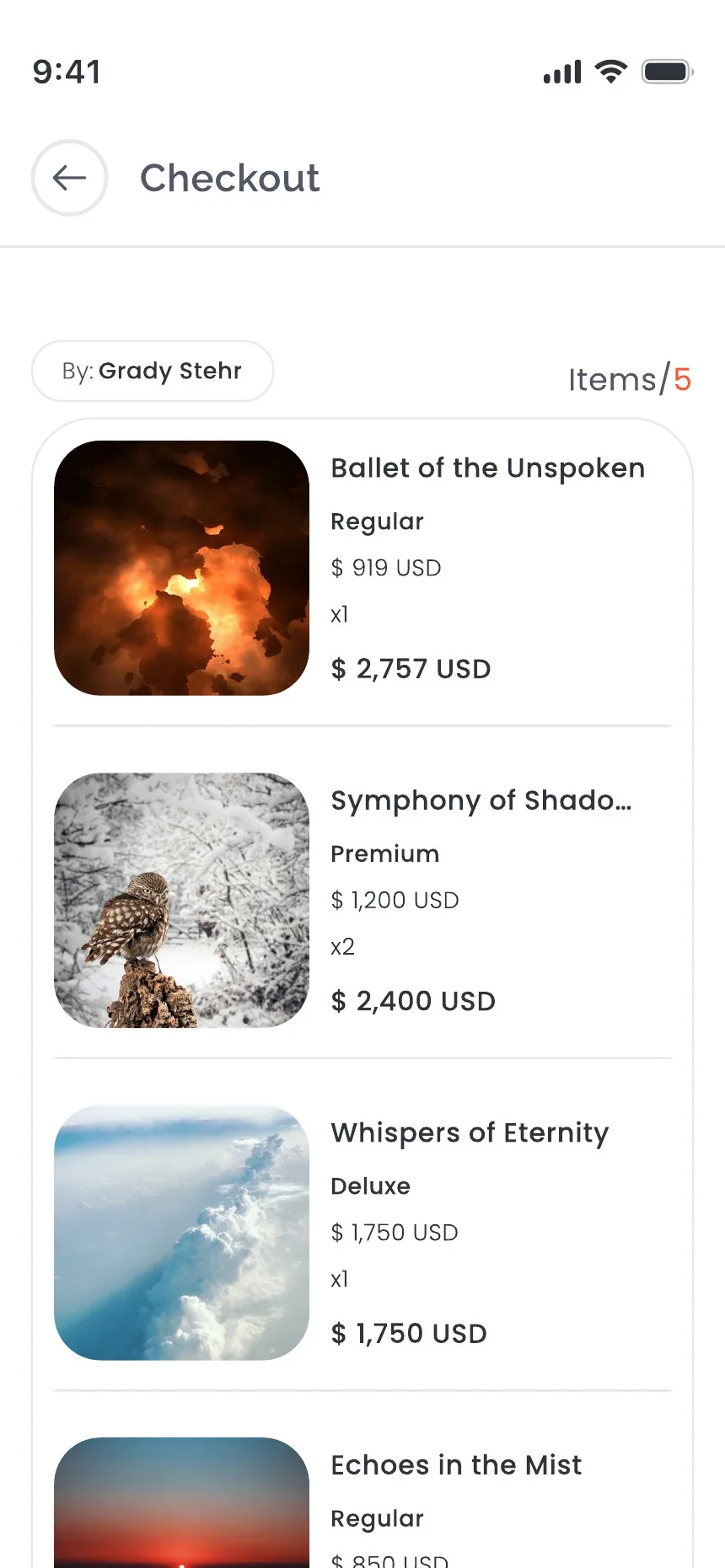
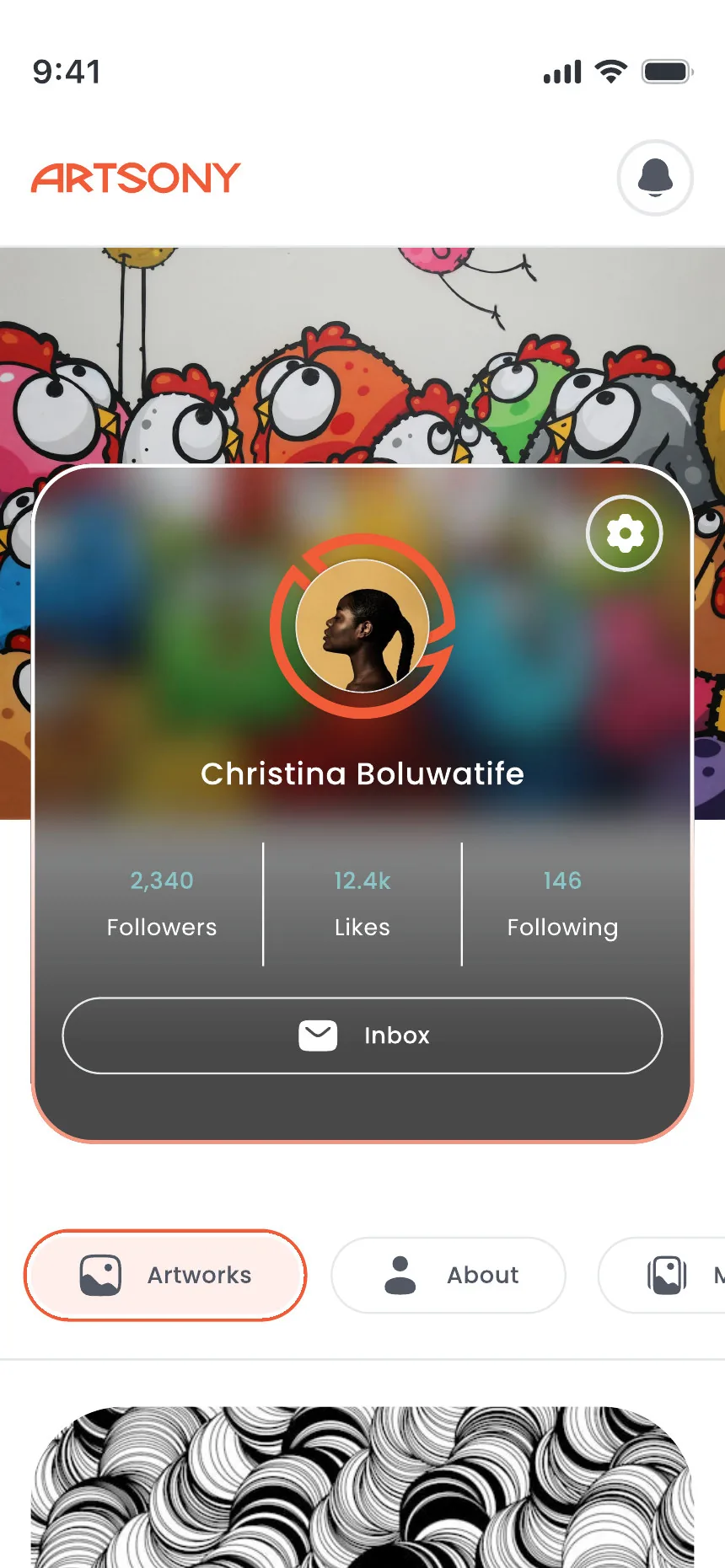
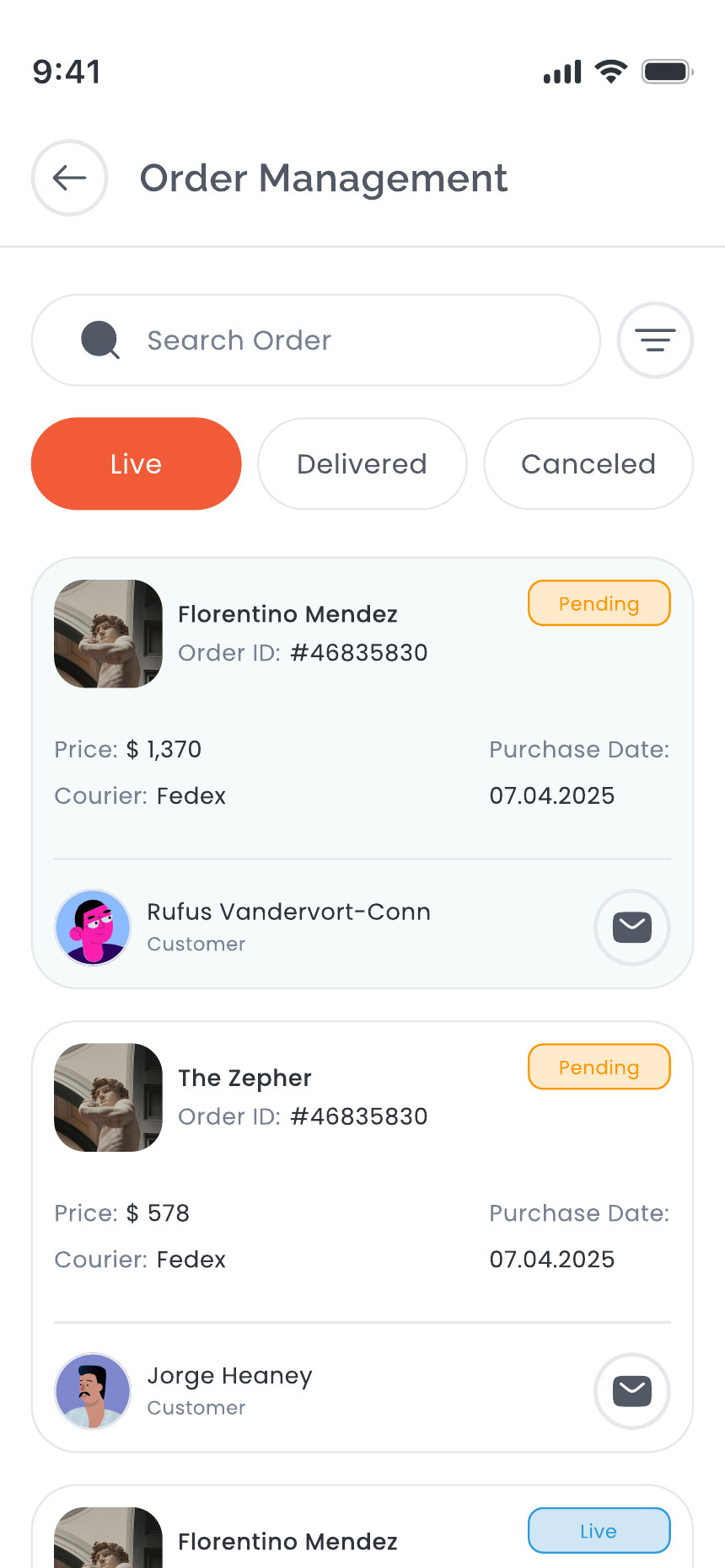
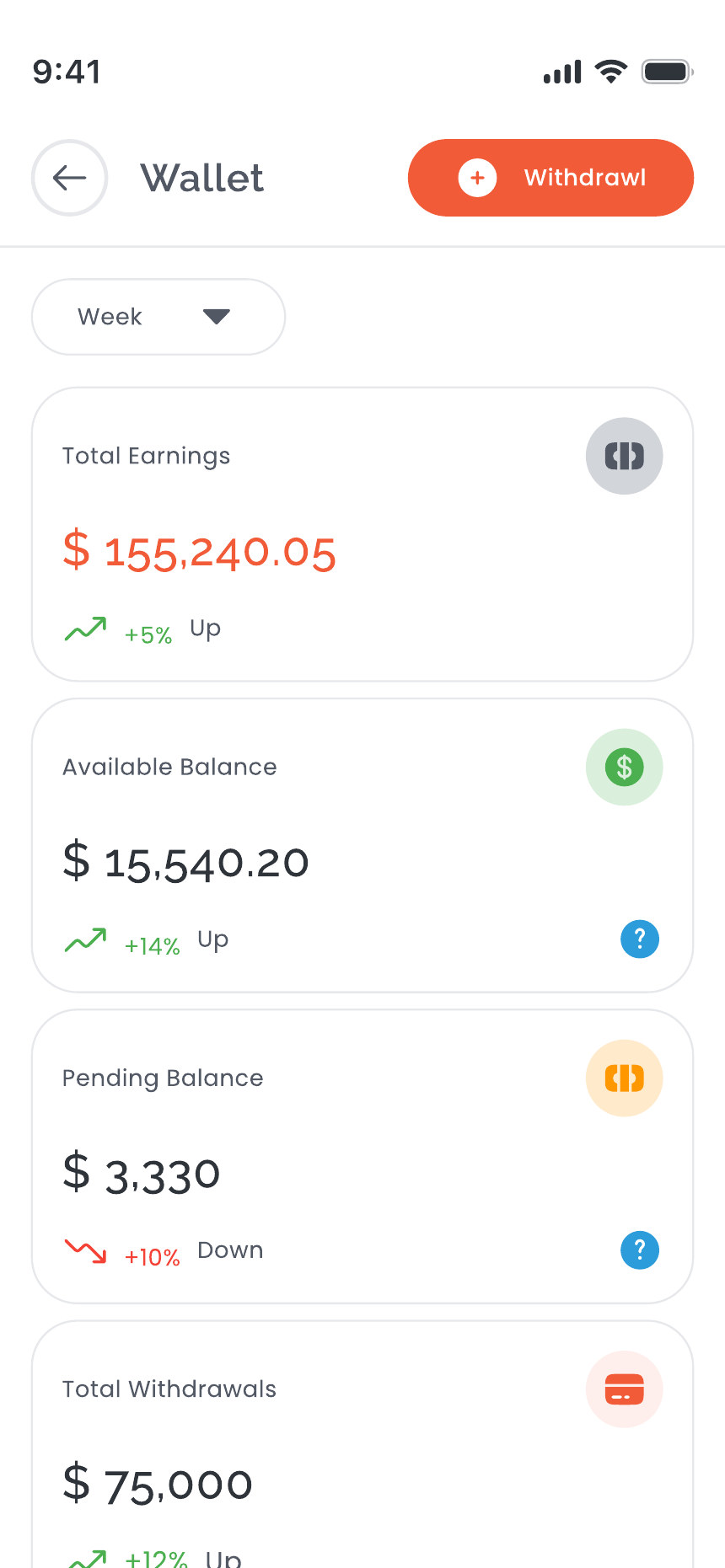
Most artists and collectors in Artsony’s markets live on their phones, so every flow was designed for mobile web as well, not shrunk from desktop. Here are a few of the 117 mobile screens, from both sides of the platform.
11
Outcome
- One home for artistsAudience, portfolio, storefront and payouts in a single place.
- Built for both sidesEvery flow designed for the artist selling and the collector buying.
- Nearly liveA complete product across desktop and mobile web, from first post to payout, now in the final stages before launch.
Artsony is one of my best projects, and one that’s close to my heart. I enjoyed working on it from the moment I got the chance, and that hasn’t changed. The project is still ongoing, and the platform is now in the final stages before launch.